
KLHdesigner is now more accessible than ever on tablets and touch-enabled devices. We've introduced native touch gesture support across both statics2d and data+, allowing you to interact with structural systems and cross-section details using the same intuitive gestures you use every day.
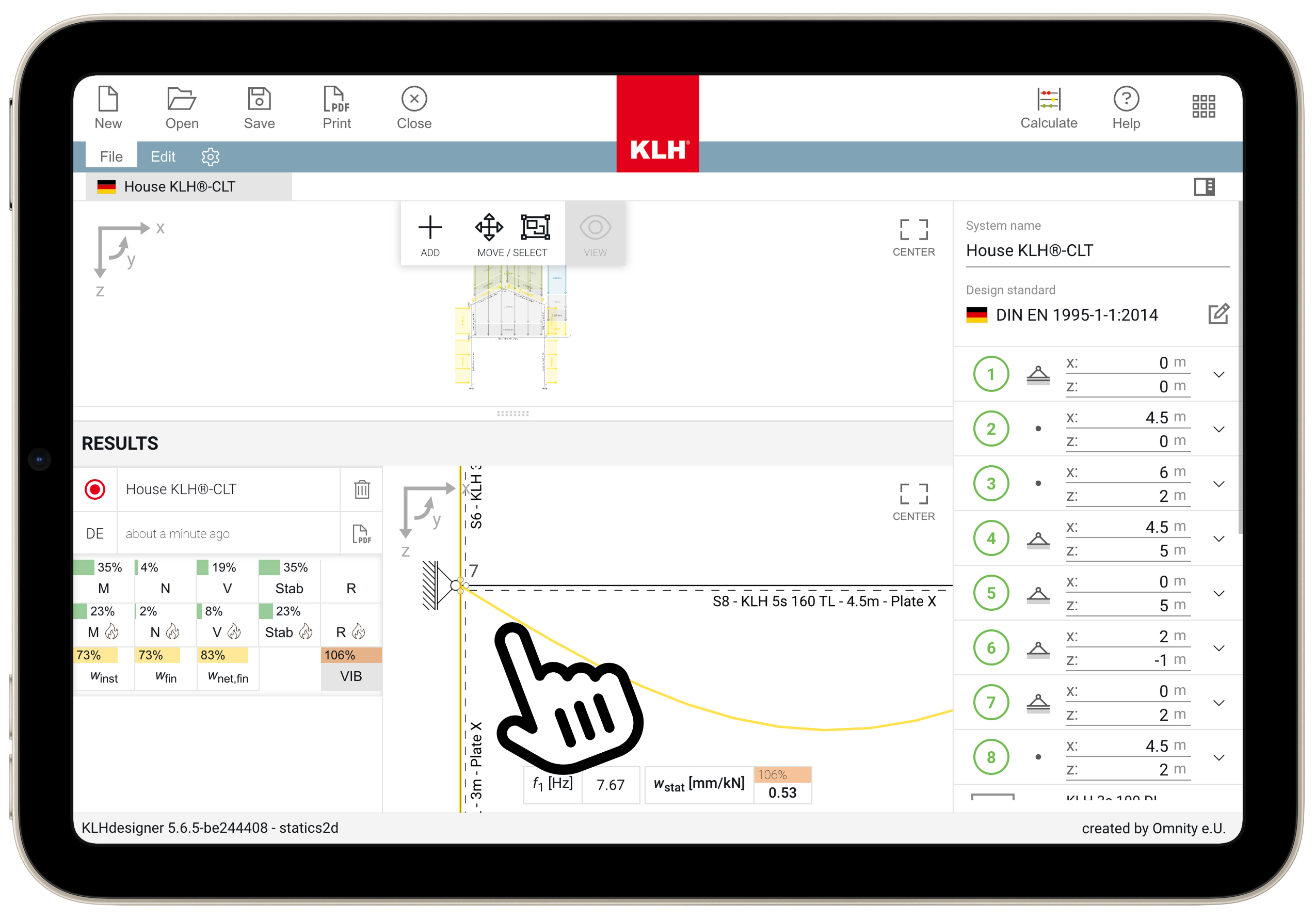
Touch gestures for SVG viewer
Both statics2d and data+ now support pinch-to-zoom and pan gestures on their SVG viewers. Whether you're reviewing a complex structural system on a construction site or examining cross-section details during a client meeting, you can now:
- Pinch to zoom in and out of diagrams
- Pan with one finger to navigate across larger systems
These gestures work seamlessly alongside the existing mouse and keyboard controls, so you can switch between devices without changing your workflow.
Mobile app switcher
Navigating between KLHdesigner applications on mobile devices is now easier with the new mobile app switcher in data+. Access statics2d and co2 directly from the mobile interface without returning to the launcher.
Updated default catalogue
We've updated the default catalogue to KLH-V2019-r3a for both public and internal environments. All template systems now reference this catalogue, ensuring you're working with the most current KLH® - CLT elements properties.
Try it on your device
If you haven't used KLHdesigner on a tablet yet, give it a try. Open klhdesigner.at on your iPad, Surface, or Android tablet and experience the improved touch interaction firsthand.